
Google- Login
Instructions for Logging in with Google on the DBR77 Platform
Open the Login Page:
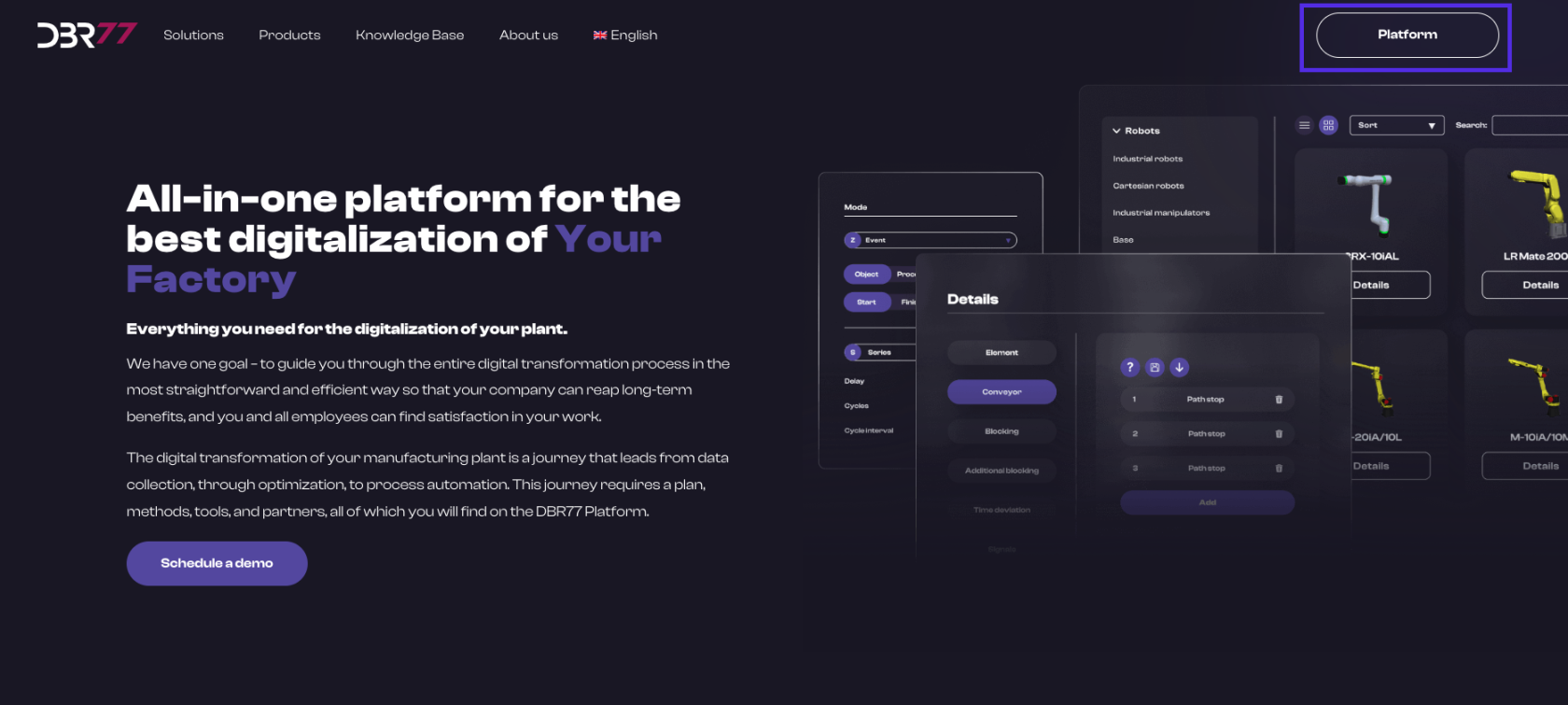
- Go to the homepage at DBR77.com.
- Click on the “Platform” button in the upper right corner.
- You will be redirected to the login page.
Log in with Google:
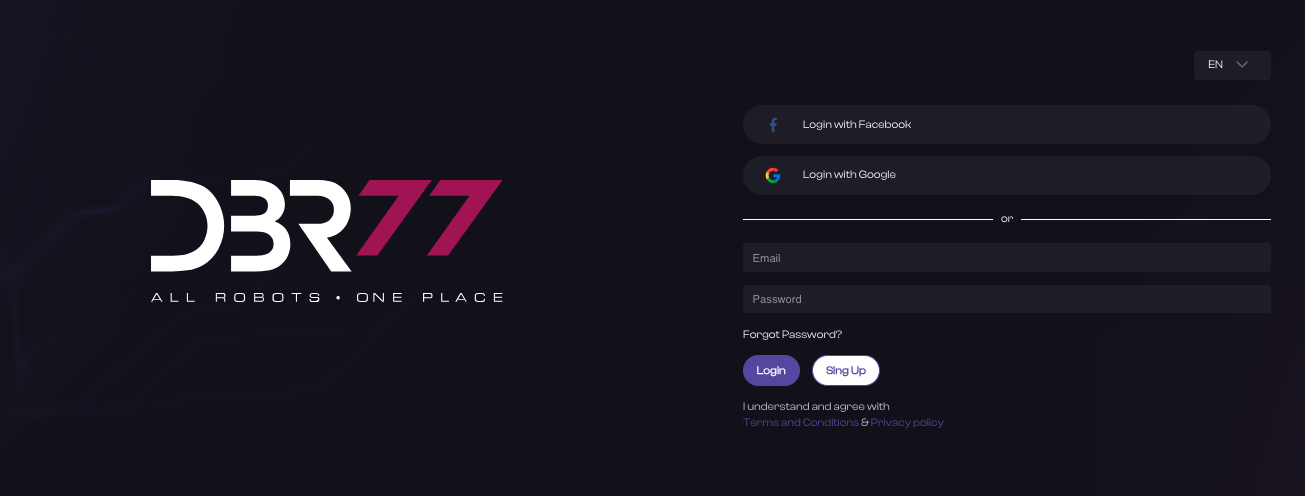
- Click on the “Login” button.
- On the login page, instead of entering your personal details, locate the “Sign in with Google” button (it may also be displayed as “Login with Google” or with the Google icon).
- Click on the “Sign in with Google” button.
Google Authentication:
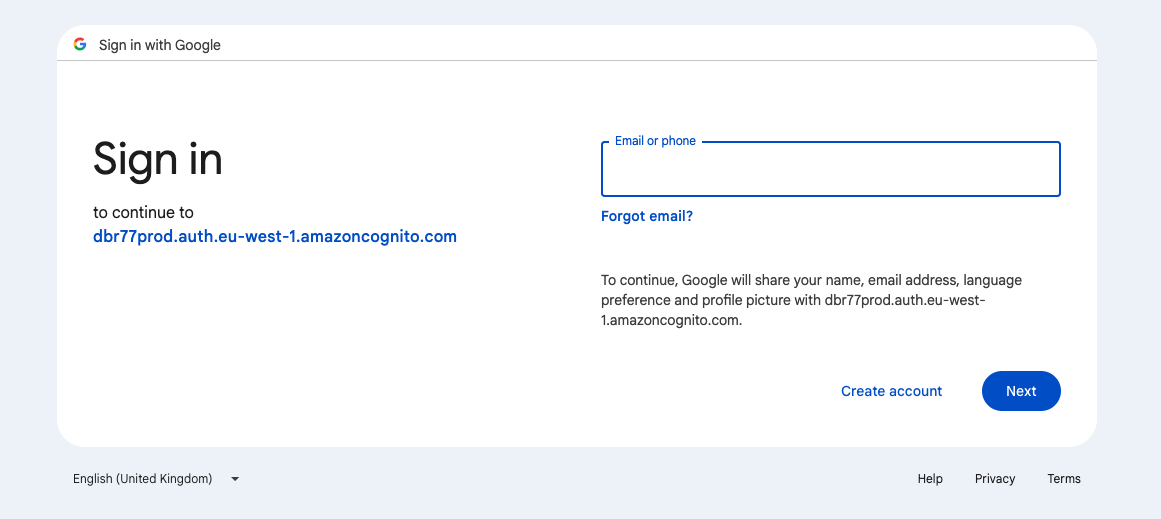
Enter your Google login details:
- Enter the email address associated with your Google account in the appropriate field.
- Click “Next.”
- Enter your Google password.
- Click “Next.”
Authorize Access:
- If logging in for the first time, you may be asked to authorize DBR77 platform access to your Google account. Click “Allow” to grant the necessary permissions.
Platform Access:
- After successful login with Google, you will have full access to the features of the DBR77 platform.
Security:
- It is important to keep your Google login credentials secure and not share them with third parties.
- By following these steps, you can log in conveniently and securely to the DBR77 platform using your Google account.
No Comments