Login
Standard Login
Instructions for Standard Login on the DBR77 Platform
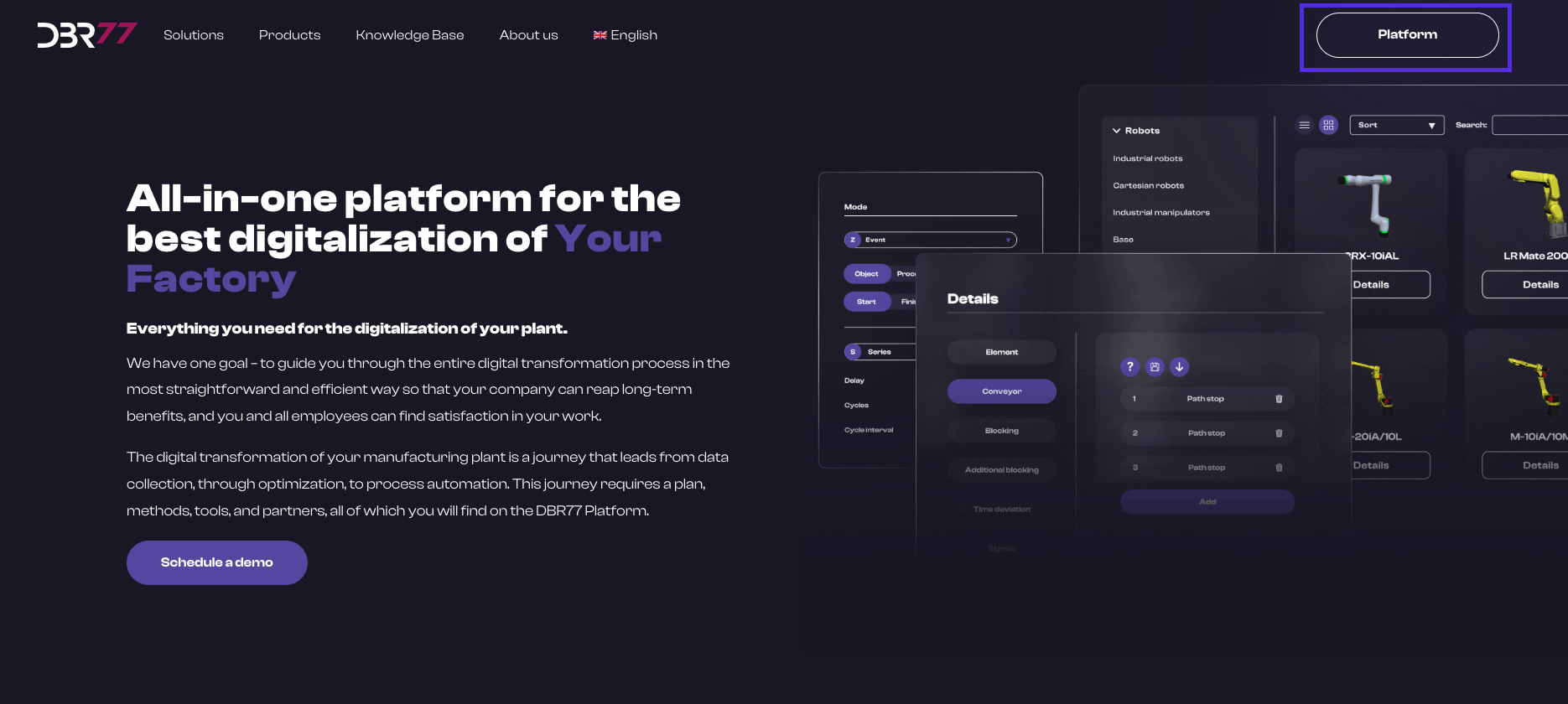
Open the Login Page:
- Go to the DBR77.com homepage.
- Click the “Platform” button in the upper right corner.
- You will be redirected to the login page.
- Click the “Login” button.
Enter Your Personal Information:
- Enter your email address in the designated field.
- Enter the password you previously set.
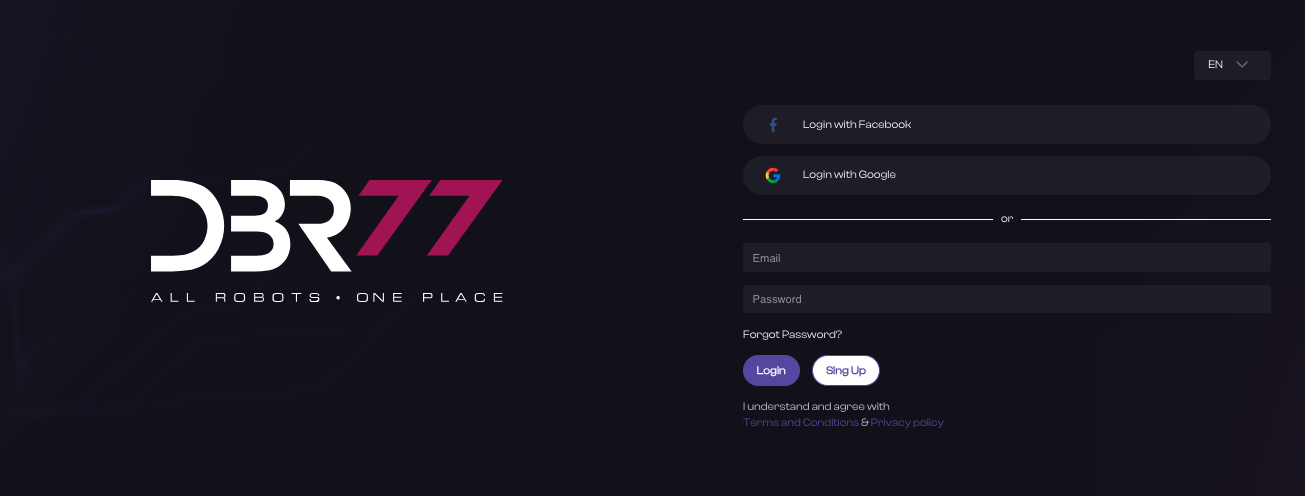
Click “Login” to complete authentication.
- After successful login, you will have full access to the DBR77 platform's functionality. It is important to keep your login information secure and not share it with third parties.
Google- Login
Instructions for Logging in with Google on the DBR77 Platform
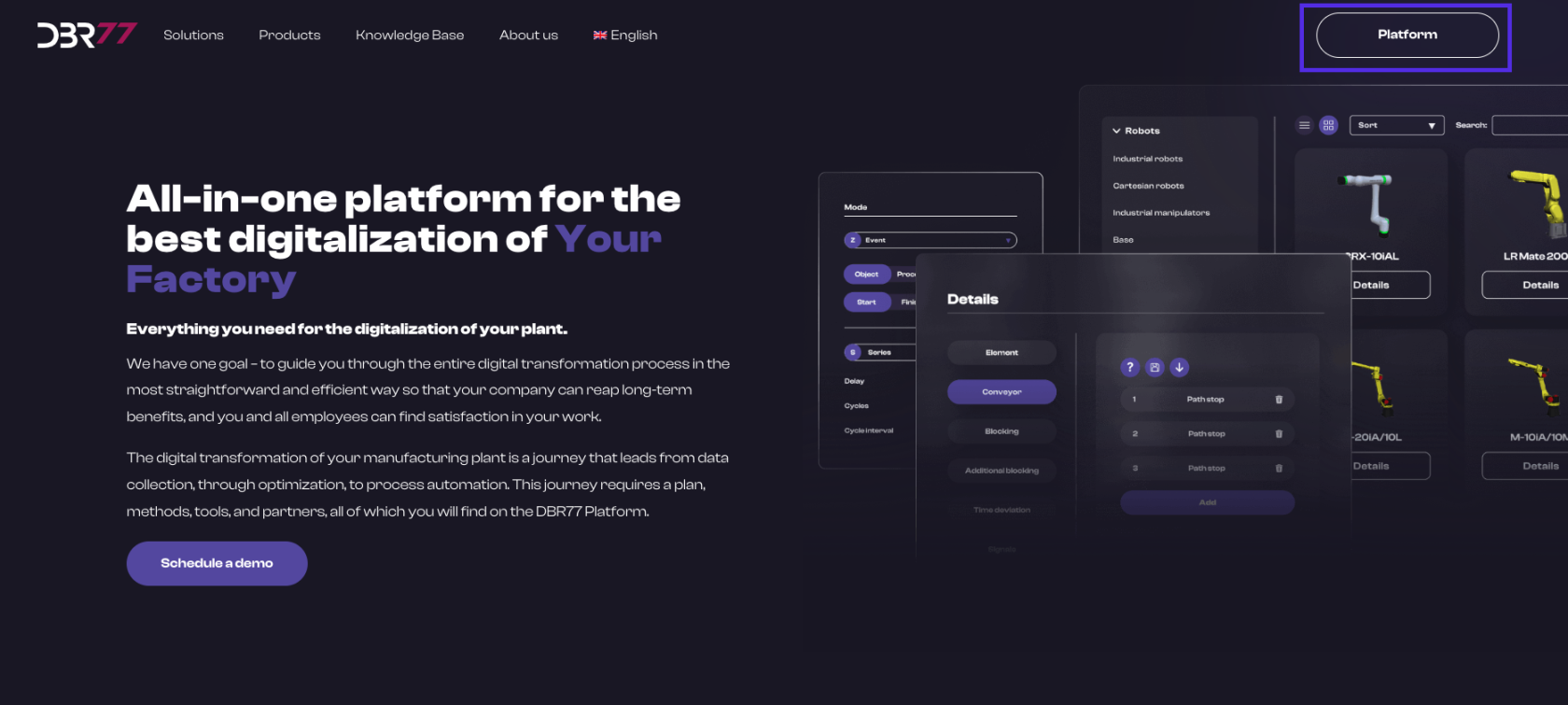
Open the Login Page:
- Go to the homepage at DBR77.com.
- Click on the “Platform” button in the upper right corner.
- You will be redirected to the login page.
Log in with Google:
- Click on the “Login” button.
- On the login page, instead of entering your personal details, locate the “Sign in with Google” button (it may also be displayed as “Login with Google” or with the Google icon).
- Click on the “Sign in with Google” button.
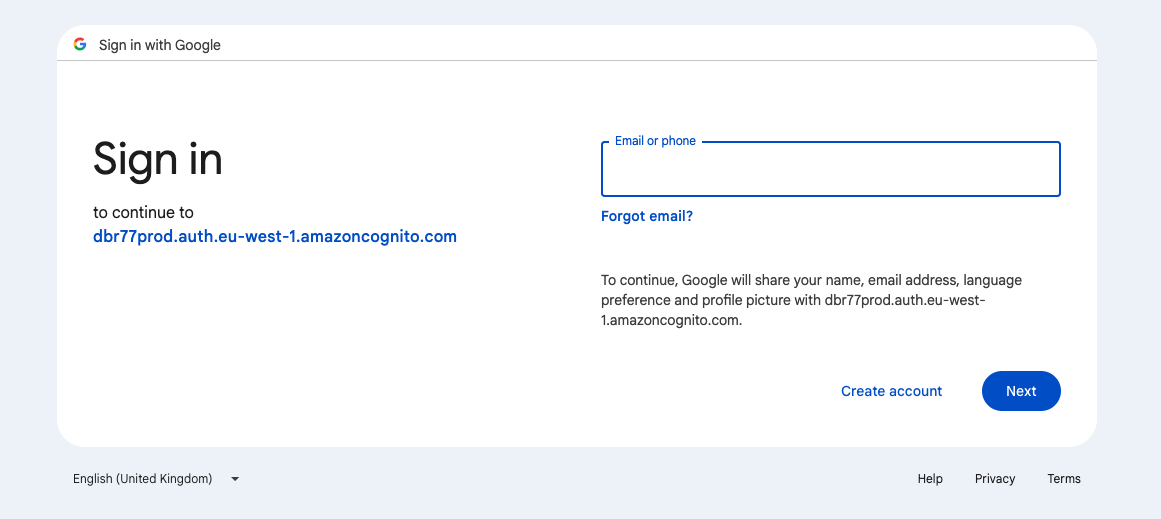
Google Authentication:
Enter your Google login details:
- Enter the email address associated with your Google account in the appropriate field.
- Click “Next.”
- Enter your Google password.
- Click “Next.”
Authorize Access:
- If logging in for the first time, you may be asked to authorize DBR77 platform access to your Google account. Click “Allow” to grant the necessary permissions.
Platform Access:
- After successful login with Google, you will have full access to the features of the DBR77 platform.
Security:
- It is important to keep your Google login credentials secure and not share them with third parties.
- By following these steps, you can log in conveniently and securely to the DBR77 platform using your Google account.
Logging in with Facebook
Instructions for Logging in with Facebook on the DBR77 Platform
Open the Login Page:
- Go to the homepage at DBR77.com.
- Click on the “Platform” button in the upper right corner.
- You will be redirected to the login page.
Log in with Facebook:
- On the login page, instead of entering your personal details, locate the “Log in with Facebook” button (it may also appear as “Login with Facebook” or with the Facebook icon).
- Click on the “Log in with Facebook” button.
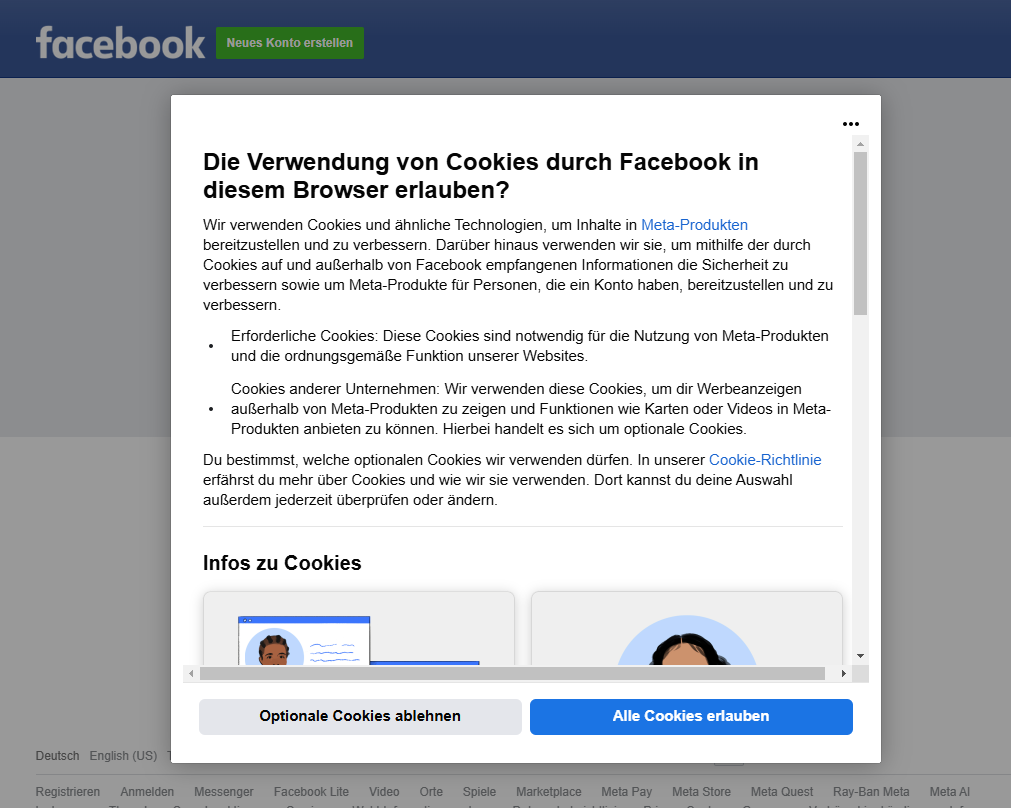
Facebook Authentication:
- Enter your Facebook login credentials:
- Enter the email address or phone number associated with your Facebook account.
- Enter your Facebook password.
- Click “Log in.”
- Authorize Access:
- If logging in for the first time, you may be prompted to allow DBR77 platform access to your Facebook account.
- Click “Continue as [Your Name]” to grant the required permissions.
Platform Access:
- After successful login with Facebook, you will have full access to the DBR77 platform's features.
Security:
- It is important to keep your Facebook login credentials secure and not share them with third parties.
- By following these steps, you can log in conveniently and securely to the DBR77 platform using your Facebook account.
Resetting Your Password
Instructions for Resetting Your Password on the DBR77 Platform
Open the Login Page:
- Go to the DBR77.com homepage.
- Click on the “Platform” button in the upper right corner.
- You will be redirected to the login page.
Start the Password Recovery Process:
- On the login page, below the fields for entering your details, find and click on the “Forgot Password?” link.
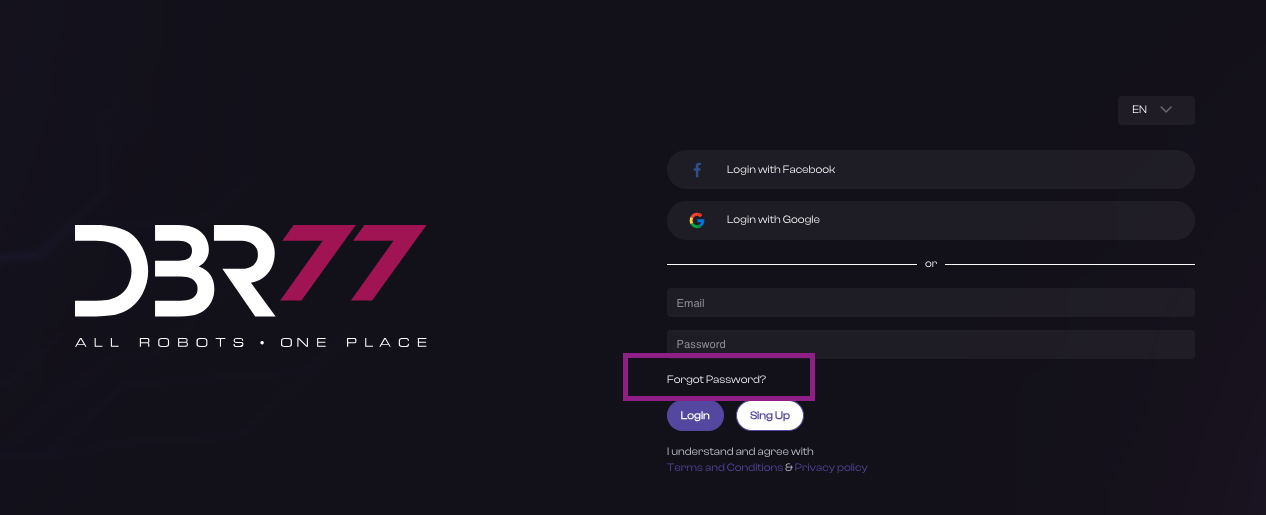
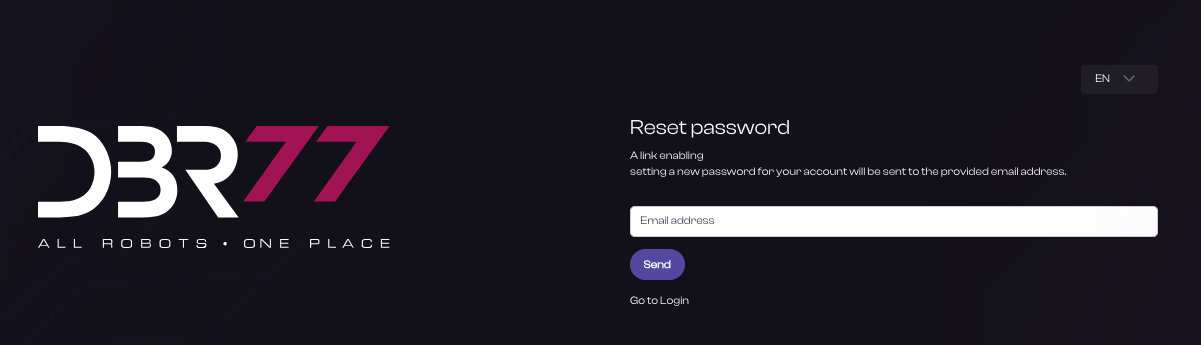
Enter Your Email Address:
- Enter the email address you used to register your DBR77 platform account.
- Click the “Submit” button.
Check Your Email Inbox:
- Open your email inbox associated with the account.
- Look for an email from DBR77 with instructions on resetting your password. Check your “Inbox,” “Spam,” or “Trash” folders if necessary.
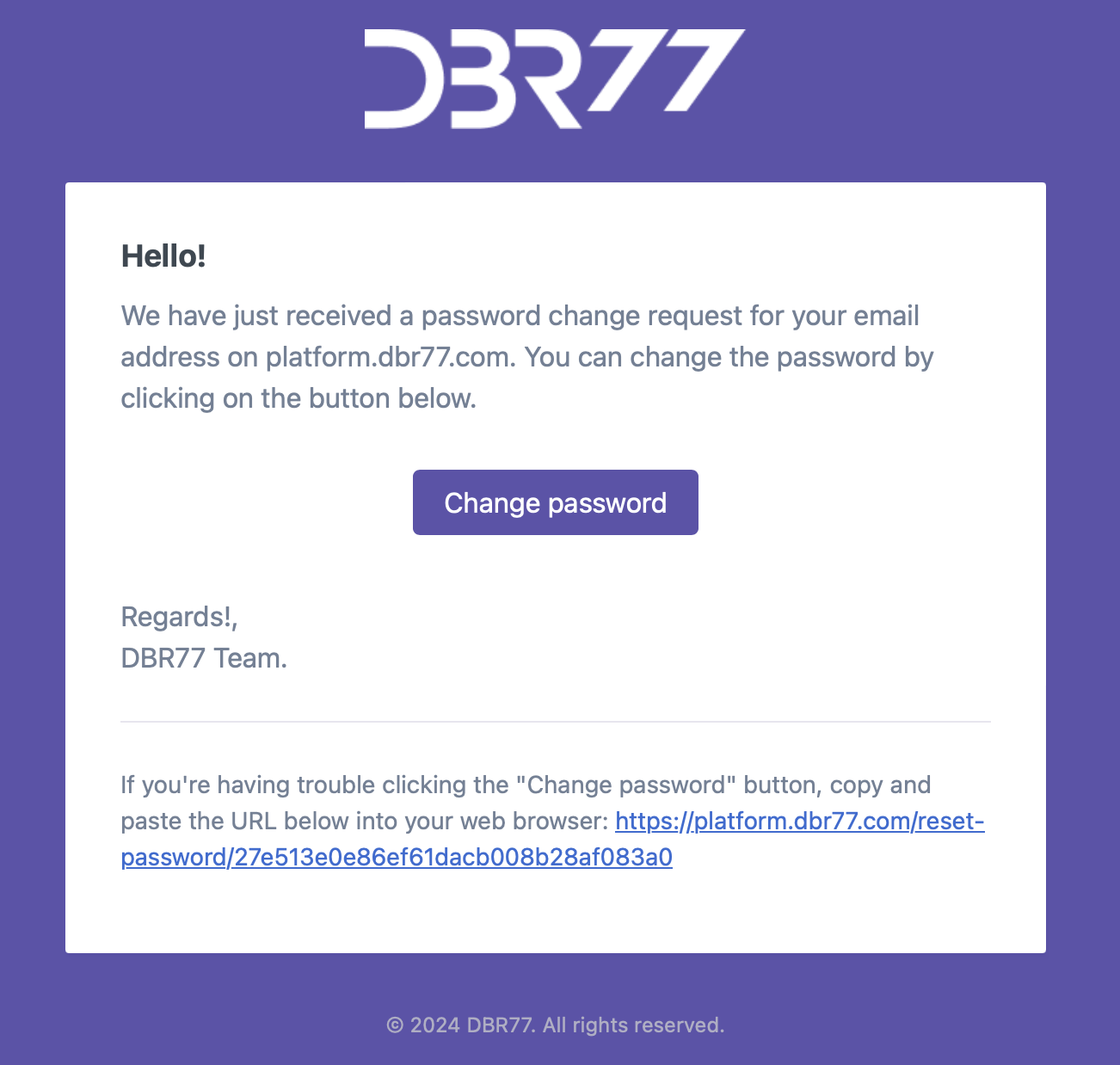
Reset Your Password:
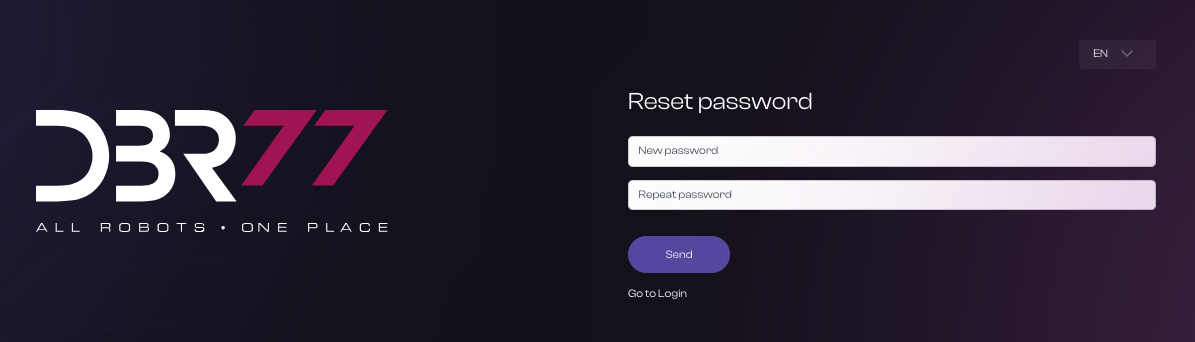
- Click on the password reset link in the email. You will be redirected to the password reset page.
- Enter a new password in the designated fields. Ensure the new password is strong and hard to guess.
- Confirm the new password by re-entering it in the appropriate field.
- Click the “Submit” button.
Log In to the Platform:
- After successfully resetting your password, return to the login page.
- Enter your email address and new password.
- Click “Log in” to complete authentication.
Security:
- It is important to keep your new password secure and not share it with others.
- By following these steps, you will regain access to your account on the DBR77 platform.